




With help from AI, I finally tackled some computer chores that I’ve been putting off for months.
My Downloads folder is cleaner than it’s been in ages. The photos that OneDrive blandly sorted by month are now arranged into folders by event. The obscure, unpurchasable jazz album I ripped from YouTube ages ago is now properly sliced into separate tracks, tagged with metadata, and sitting inside my media server at last.
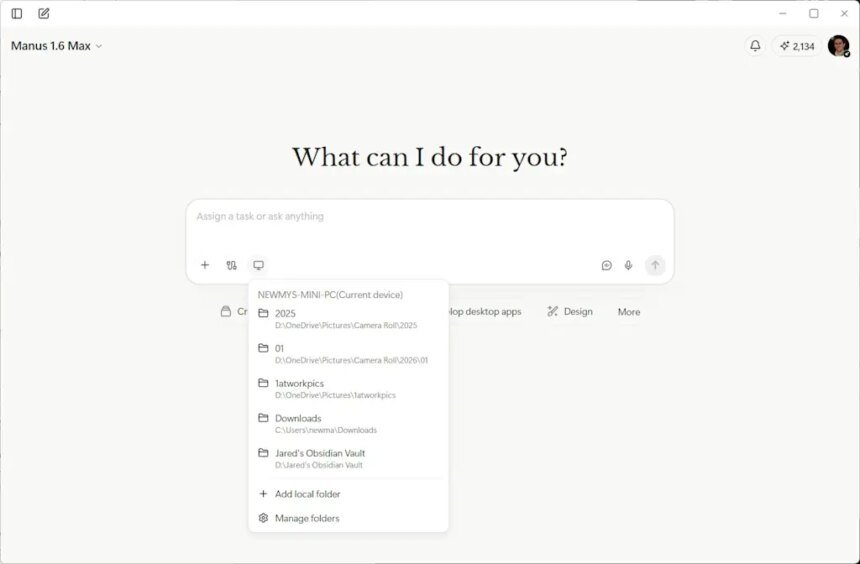
Instead of spending hours on those tedious tasks myself, I delegated them to Manus, an AI assistant whose desktop app is free to download for Mac and Windows. Manus launched in March of last year with an emphasis on being able to accomplish tasks autonomously, and last week it gained the ability to work with files on your computer. (Meta acquired the startup in December, reportedly for more than $2 billion.)
Alongside Claude Cowork, Perplexity’s Personal Computer, and the virally popular OpenClaw (whose creator was acqui-hired by OpenAI last month), it’s one of several AI tools that promise to take control of your computer to get things done. When they work, these agents can be pretty satisfying and can save a lot of time.
But just like my experience with OpenClaw, using Manus is a reminder of how expensive artificial intelligence can get when it’s aggressively metering your usage. Getting Manus to do much of anything could easily cost more than several typical software subscriptions combined.
Cleaning and sorting files
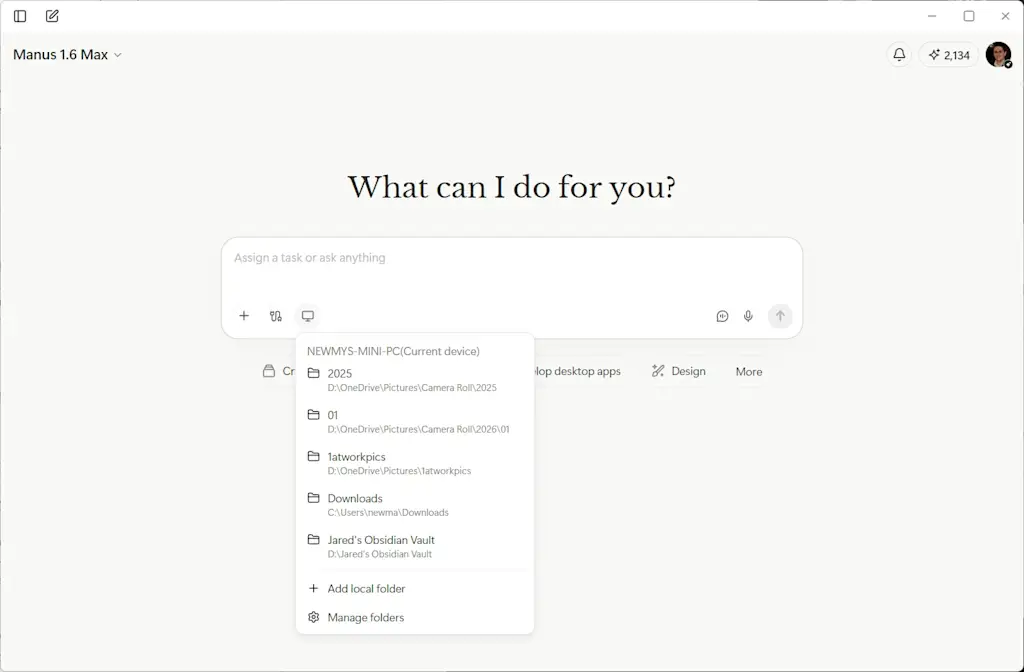
Like AI in general, Manus is largely what you make of it. The app presents you with a blank text box and a button for choosing which folders it’s allowed to access, and it’s on you to think about what AI might do with this capability.
Cleaning my Downloads folder was a logical first step. Manus suggested some obvious files to delete—things like old installer files—and with some extra prompting, I had it sort everything else into folders based on file type, which helped me sort and delete the unnecessary stuff.
Dealing with that YouTube album download was even more satisfying. With just a single prompt, Manus figured out how to reference the track timings on Discogs, wrote a Python script to split the 45-minute MP3 file without re-compressing it, and tagged the resulting files with titles and cover art.
From there I moved onto something more ambitious: I pointed Manus at a year’s worth of photos in my OneDrive folder and asked it to sort them into new folders for things like trips and special occasions. Through a combination of metadata and computer vision, Manus correctly recognized my annual trip to cover the CES trade show, a variety of family vacations, and even my nephew’s bar mitzvah. It only took a couple follow-up commands to get the sorting just right.
Working with documents
In addition to pushing files around, I decided to have Manus work with my notes from Obsidian. Because Obsidian’s underlying notes are just Markdown files in a folder on my computer, Manus can easily extract data from them and make edits.
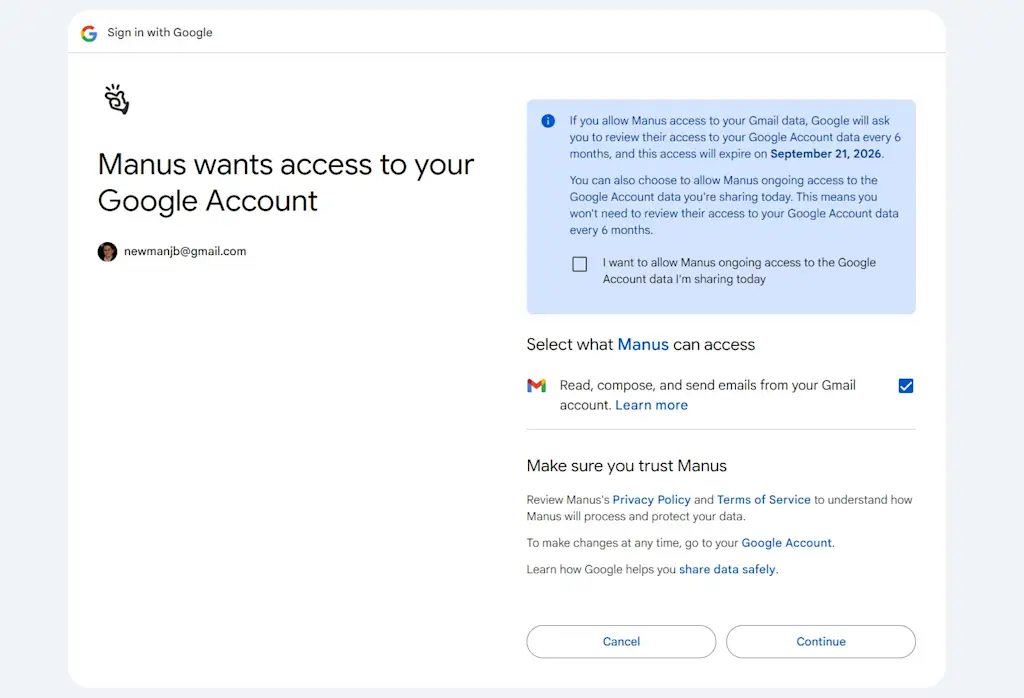
I started by just having Manus summarize and add to my weekly agenda, but then I noticed Manus can also connect to external services like Gmail and Google Calendar. After setting up those connections, I had Manus look through my inbox and flag important emails as tasks to complete, while adding work-related calendar events to the agenda as well.
And while I’m still not keen on having AI write for me, I decided to have Manus take a crack at a first draft for this story, using my drafts folder in Obsidian as a reference for my writing style. The results were mostly garbage, but I’ll begrudgingly admit that the first few paragraphs were decent and gave me some ideas on how to get started.
Credit catches and security worries
While I’m pretty satisfied with what Manus was able to do, I probably won’t continue to use it.
That’s partly because I’m worried about the security implications, especially when connecting to apps like Gmail and Google Calendar. Prompt injection remains an unsolved problem in AI, and the risk is that an attacker could embed secret instructions in a calendar invite or email designed to steal personal data. I’m not comfortable letting Manus access this data without making it read-only, which doesn’t seem to be possible.
As a piece of productivity software, Manus also just becomes wildly expensive the more you use it. While the app itself is free to download, you only get 300 free “credits” to use per day. Paid plans come in increments of roughly $20 per month, each giving you 4,000 extra monthly credits.
After just a couple days of using Manus, I was already halfway through that monthly allotment, plus the 1,000 bonus credits Manus provided at sign-up.
- Adding items to my agenda—including data from Google Calendar and Gmail—cost about 300 credits.
- Organizing a single year’s worth of photos cost about 1,000 credits.
- Managing my Downloads folder—including the MP3 file I needed to split up—cost another 1,000 credits.
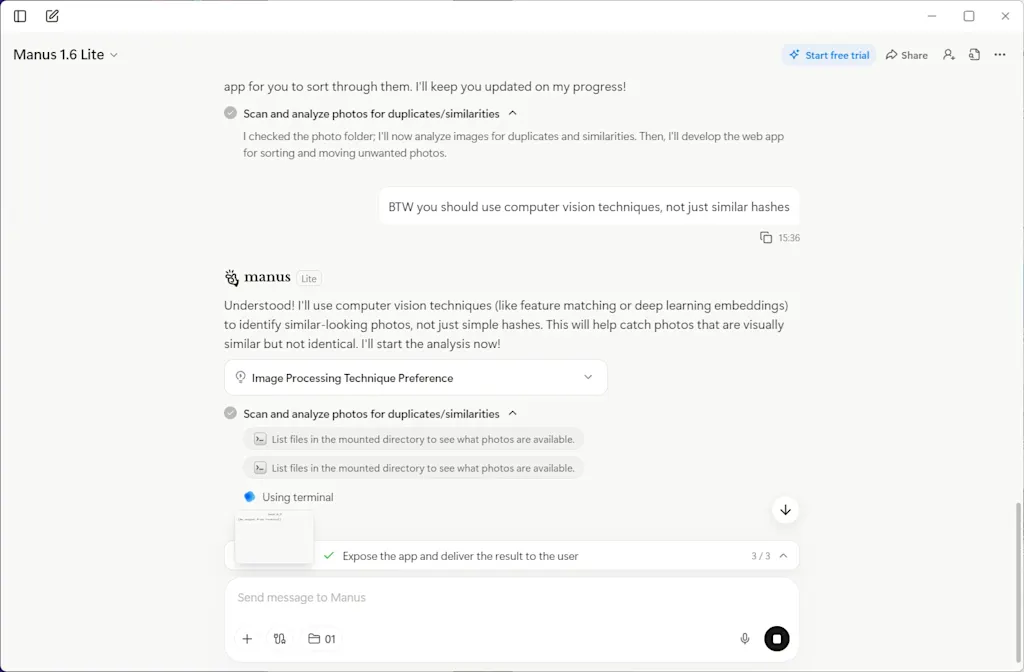
- I also asked Manus to work on a bespoke tool for deleting similar or duplicate photos. This ate up nearly 1,400 credits before I realized my allotment would be better spent trying other things.
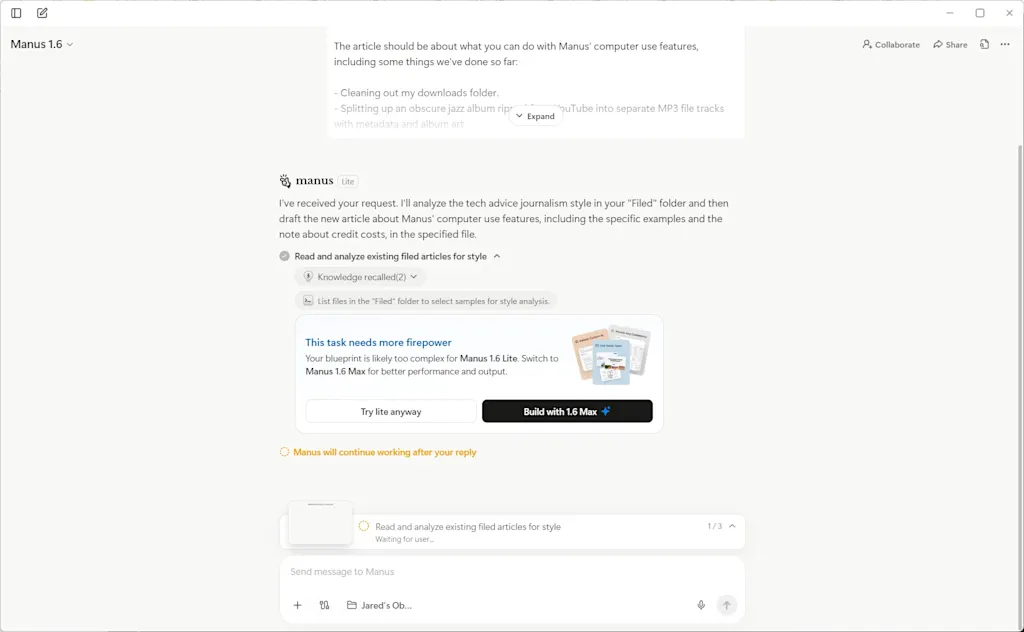
Once those 4,000 credits expire, the only options are to wait until the monthly limit resets, make do with the meager 300 daily credits Manus offers, or upgrade to a pricier subscription tier. It didn’t help that Manus kept pushing me toward its “Max” model for certain tasks, allowing it to burn through credits even faster.
As with OpenClaw, I imagine there’s a category of AI enthusiast that thinks nothing of such expenditures. But I’m used to paying in the range of $5 to $10 per month for productivity software, and that’s for things I consider indispensable. I can’t justify paying $20 to $40 per month (or more) for something I’m still figuring out how to use.
If I’m going to keep using AI to control my computer, I’ll likely do it through Claude and its Cowork feature, which requires a $20 per month Claude Pro subscription. While its usage meter is more opaque, at least it resets on a weekly basis instead of a monthly one.
But as someone who tries to get by with the free versions of AI tools whenever possible, I’ll also probably just wait for more computer chores to pile up before spending any more money to get rid of them.

