




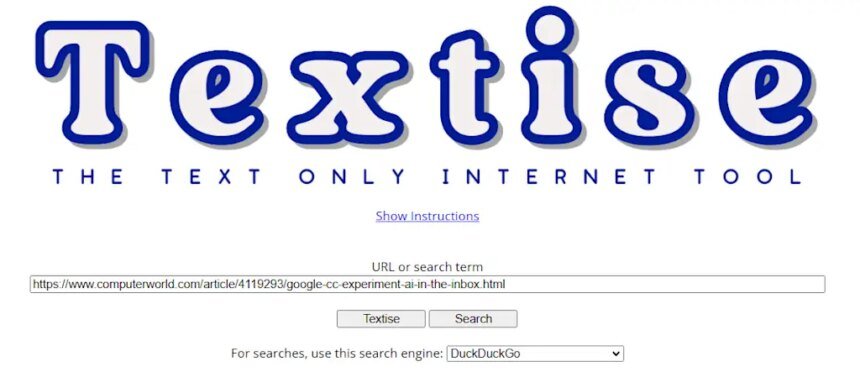

It sure is nice to have the web look the way you want—without all the usual awkward font choices and other assorted distractions—isn’t it?
Over the past few weeks, we’ve explored a slew of interesting tools for taking total control of whatever you’re reading online:
- First, right here in these Cool Tools headquarters last week, my compadre and fellow Fast Company contributor Jared Newman showed you a series of simple sites for seeing minimalist, plain-text versions of sports, news, and weather online.
- Then, in my Android Intelligence newsletter soon after, I surfaced an awesome, out-of-sight feature in that arena for cleaning up and customizing the look of any text you’re ingesting via a simple system-level button press.
Today, I want to round out that collection of personal power-washers with one more worthwhile tool that can turn any website you’re looking at into a clutter-free, simply formatted plain-text document.
It transforms any article, menu, or other type of information into something delightfully easy to read, save, share, you name it—without any ads, images, or funky formatting of any sort.
It’s an incredibly handy resource to keep around, to say the least. And once you’ve got it in front of you, it couldn’t be much easier to use.
This tip originally appeared in the free Cool Tools newsletter from The Intelligence. Get the next issue in your inbox and get ready to discover all sorts of awesome tech treasures!
10 seconds to plain text
The next time you find yourself facing a web page with way too much going on, remember a tool called Textise.
➜ Textise is a simple-as-can-be website that converts any page you’re looking at into plain text—no fuss, no formatting, no images of any sort included.
⌚ It takes all of 10 seconds to use:
- Just head over to Textise.net in any browser, on any device in front of you.
- Click or tap the box in the center of the screen, then paste in the address of whatever page you want to convert.
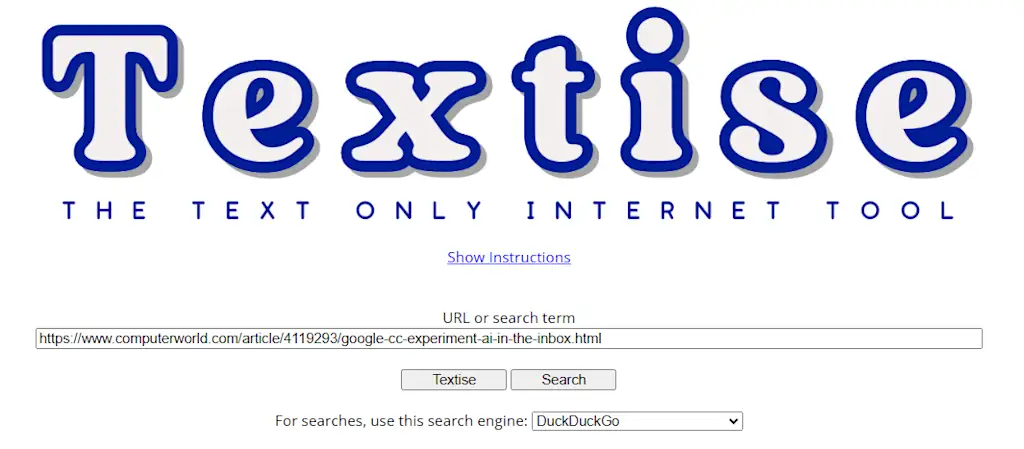
- Click or tap “Textise”—or just hit Enter on your keyboard—and poof: In an instant, you’ll see a text-only view of the page in question.
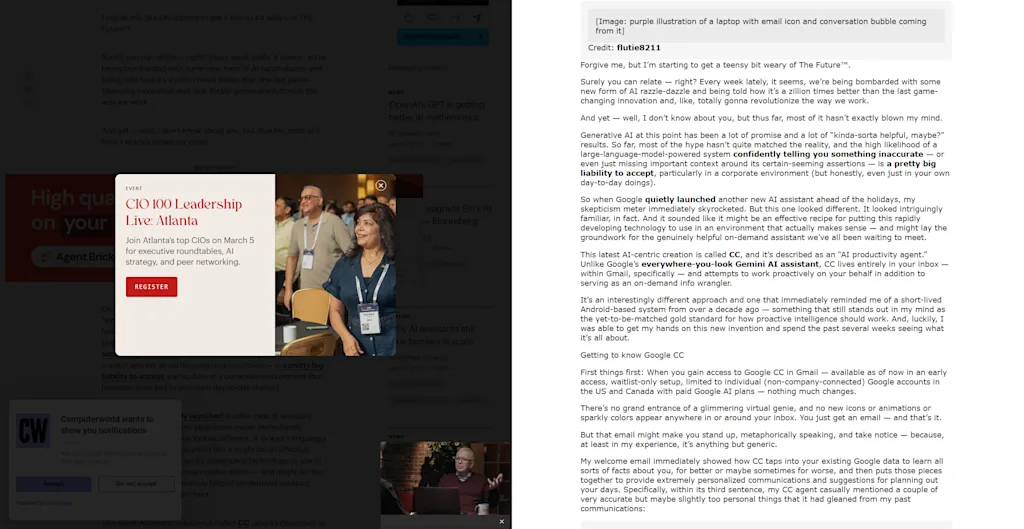
Not bad, right?!
💡 If you’re using Textise on a computer, you can also set it up as a bookmarklet within your browser’s bookmark bar for even easier ongoing access.
🧠 Beyond that, if you’re feelin’ especially fancy:
- You can customize the font, color, and layout of your plain text view via the (plain-text) “Textise Options Page” link toward the top of your result.
- You can print any plain-text view via the “Print this page” option—or just by using your browser’s standard printing command.
- And you can share any plain-text transformation simply by copying the address of the result page or using the standard share command built into your browser.
By and large, Textise is basic and limited by design. And that’s precisely what makes it a tool worth keeping around in your web cleanup toolbox.
- Textise exists entirely on the web, without any installations or downloads (though you can opt to set it up as a browser bookmarklet on larger-screen devices where bookmarklets are available).
- It’s completely free to use, with just the occasional mildly annoying ad to support its existence.
- The site doesn’t require any sort of sign-ins, account creations, or personal data to be shared.
Treat yourself to all sorts of brain-boosting goodies like this with the free Cool Tools newsletter—starting with an instant introduction to an incredible audio app that’ll tune up your days in truly delightful ways.

